NATIVE IOS APP · IPHONE & IPAD
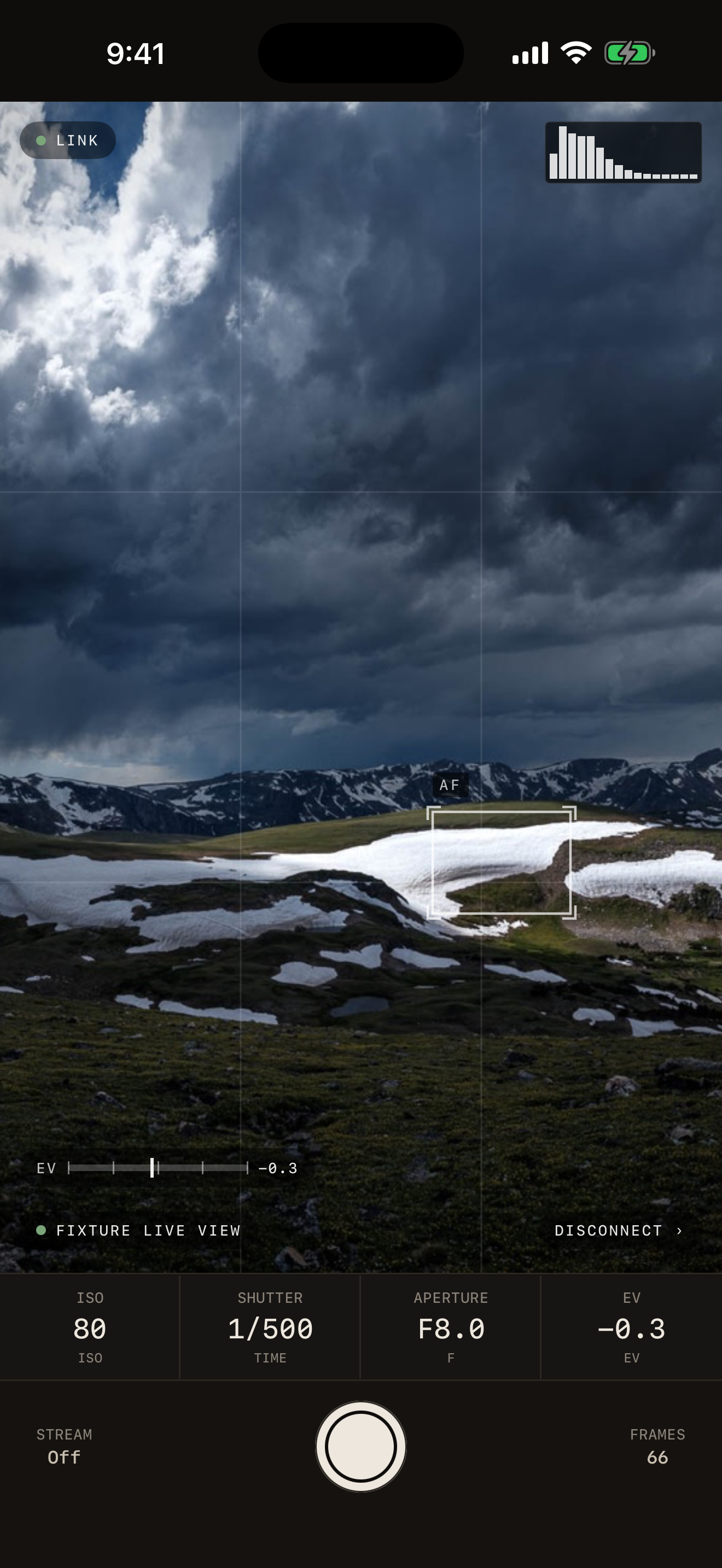
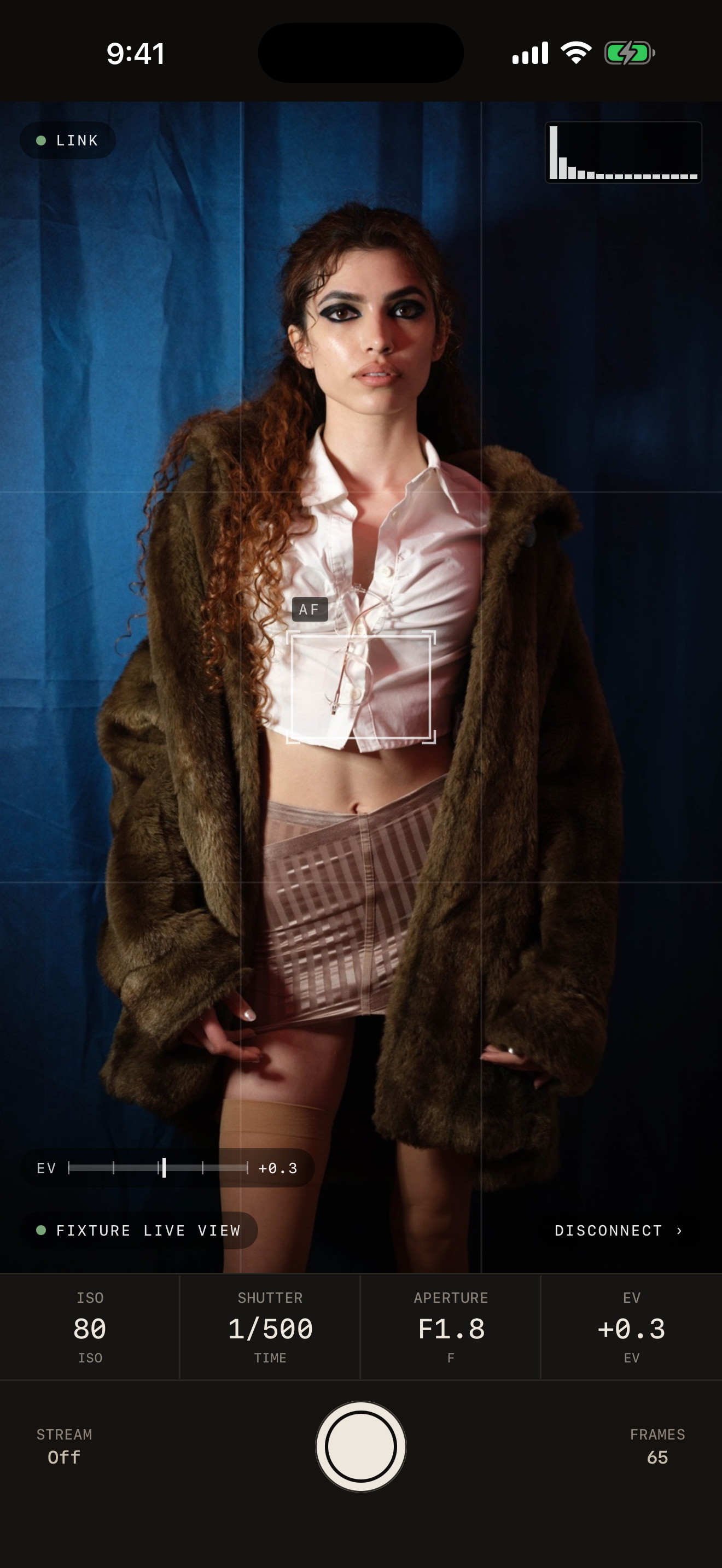
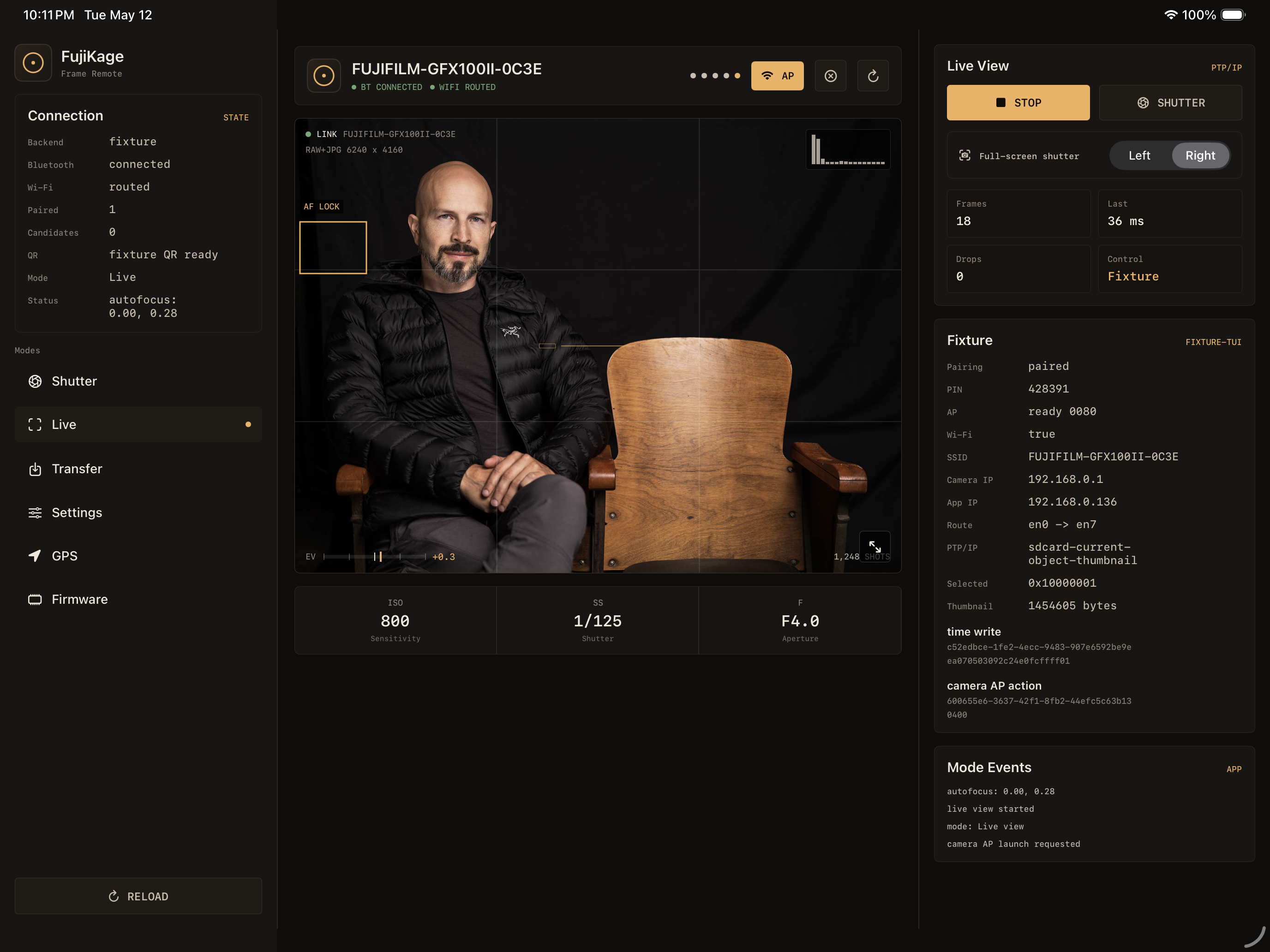
(All photos are screenshots, not mockups. All photos taken by me. Images were fed to the app for making this website because my living room is boring, but the histograms are real.)
WORKFLOWS
Yet Another Photography App Written by a Photographer
In the beta
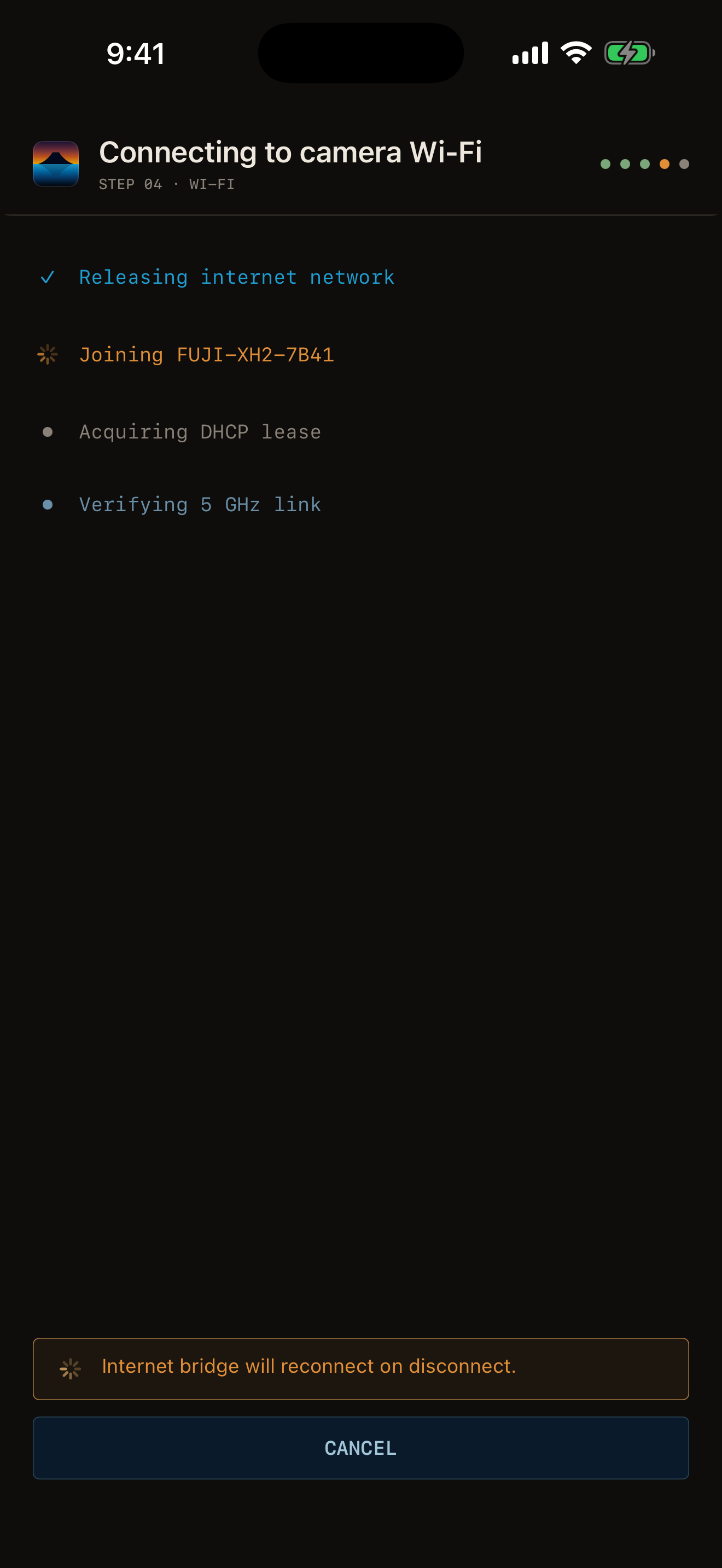
01 / CONNECT
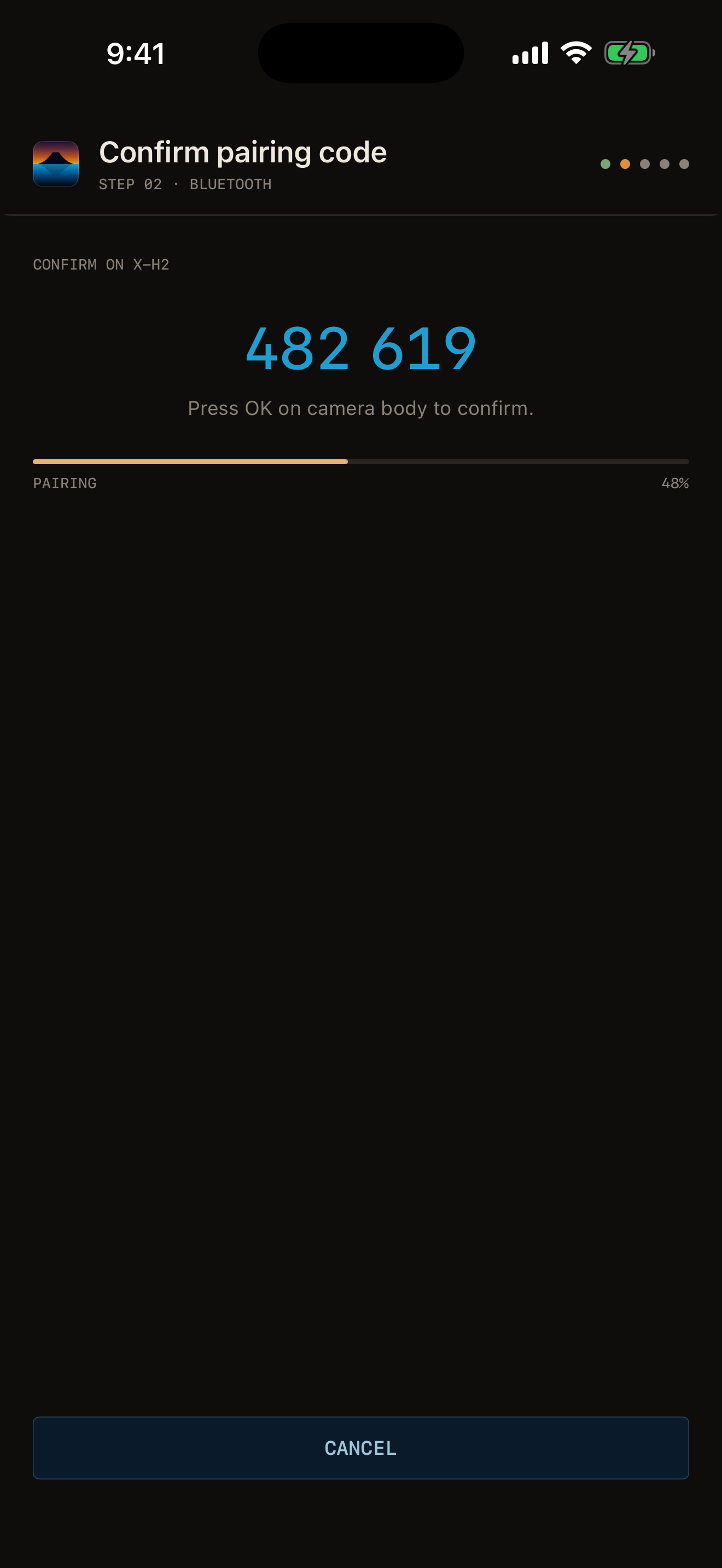
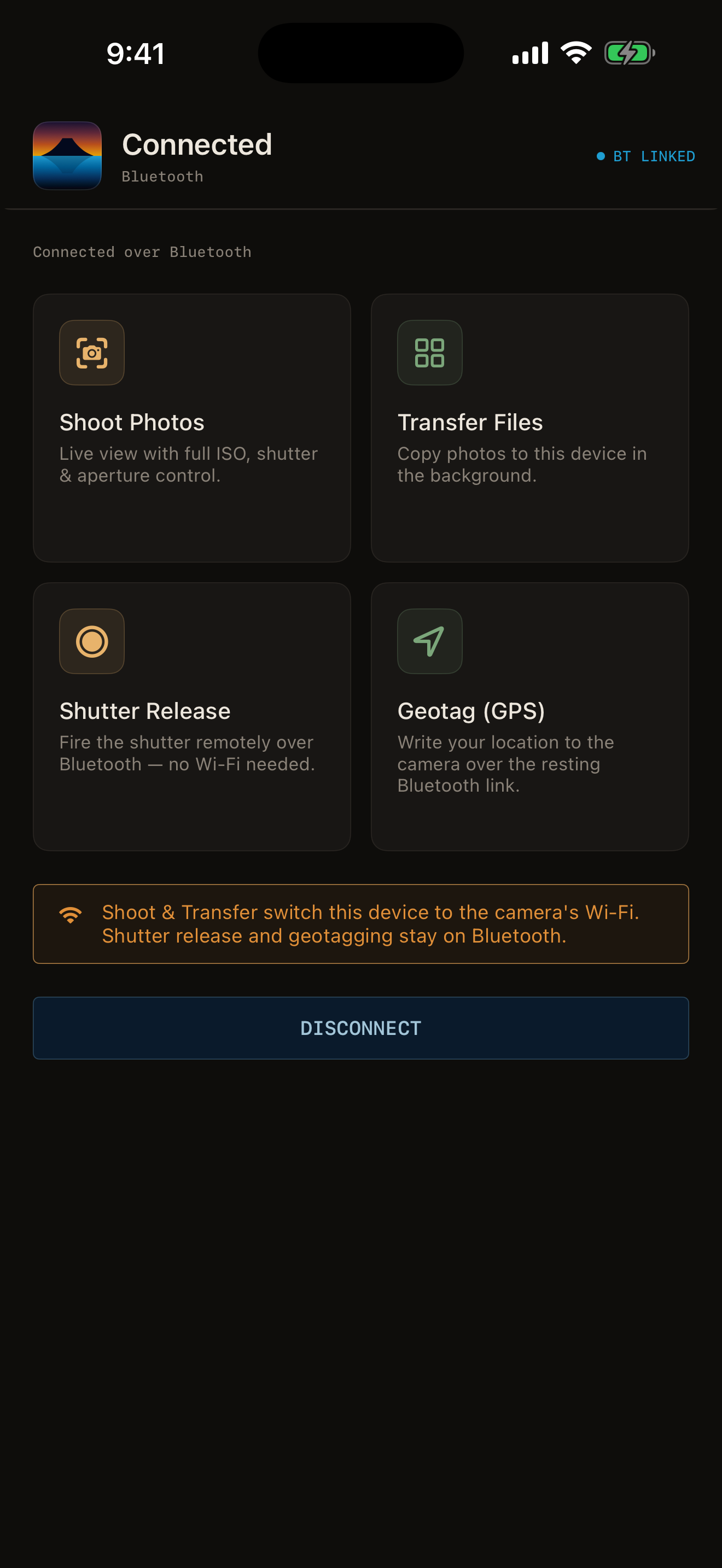
Surprisingly, this was one of the things that inspired me to make this: getting reliable camera connections. I started from scratch, have retries in sensible places, and separate UI, GPU, and IO threads to keep the app responsive.
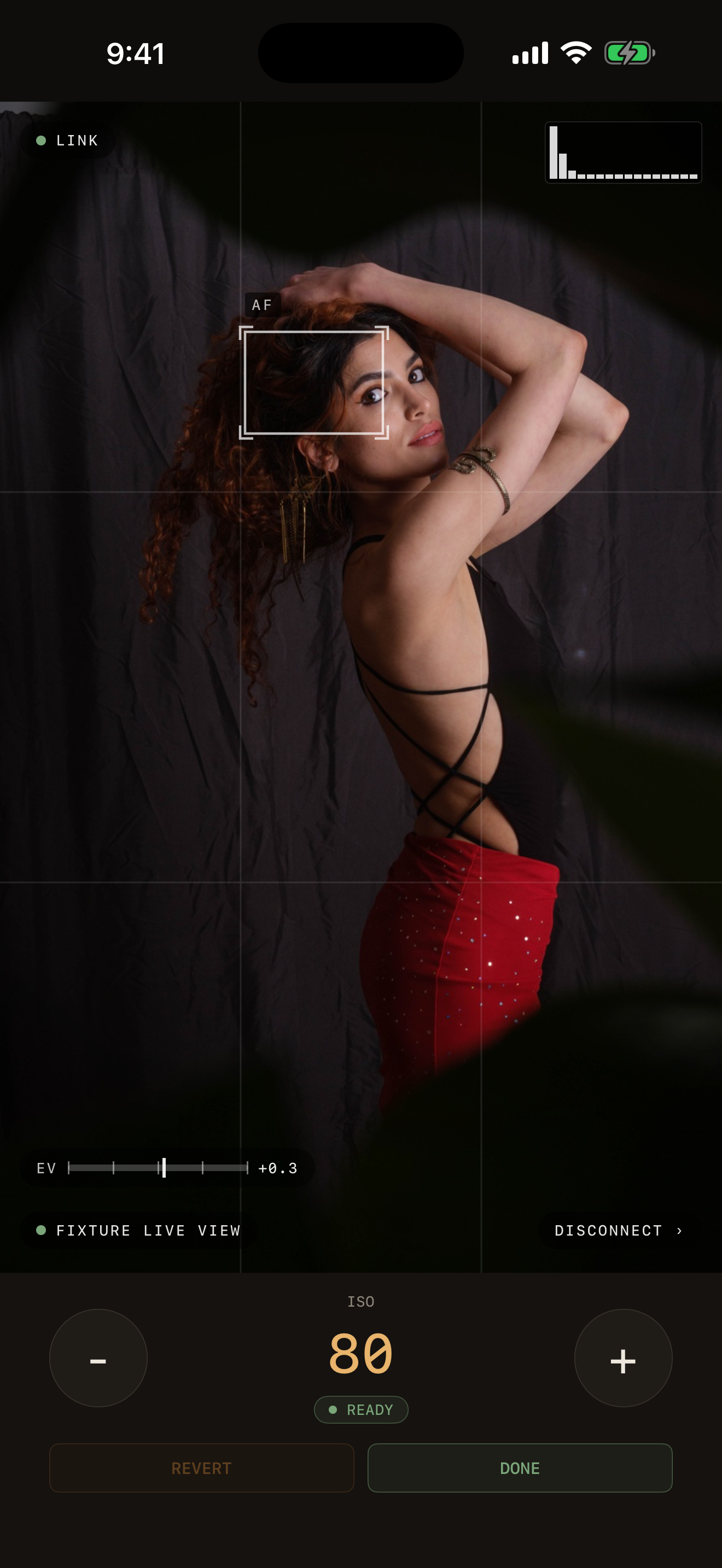
02 / LIVE VIEW
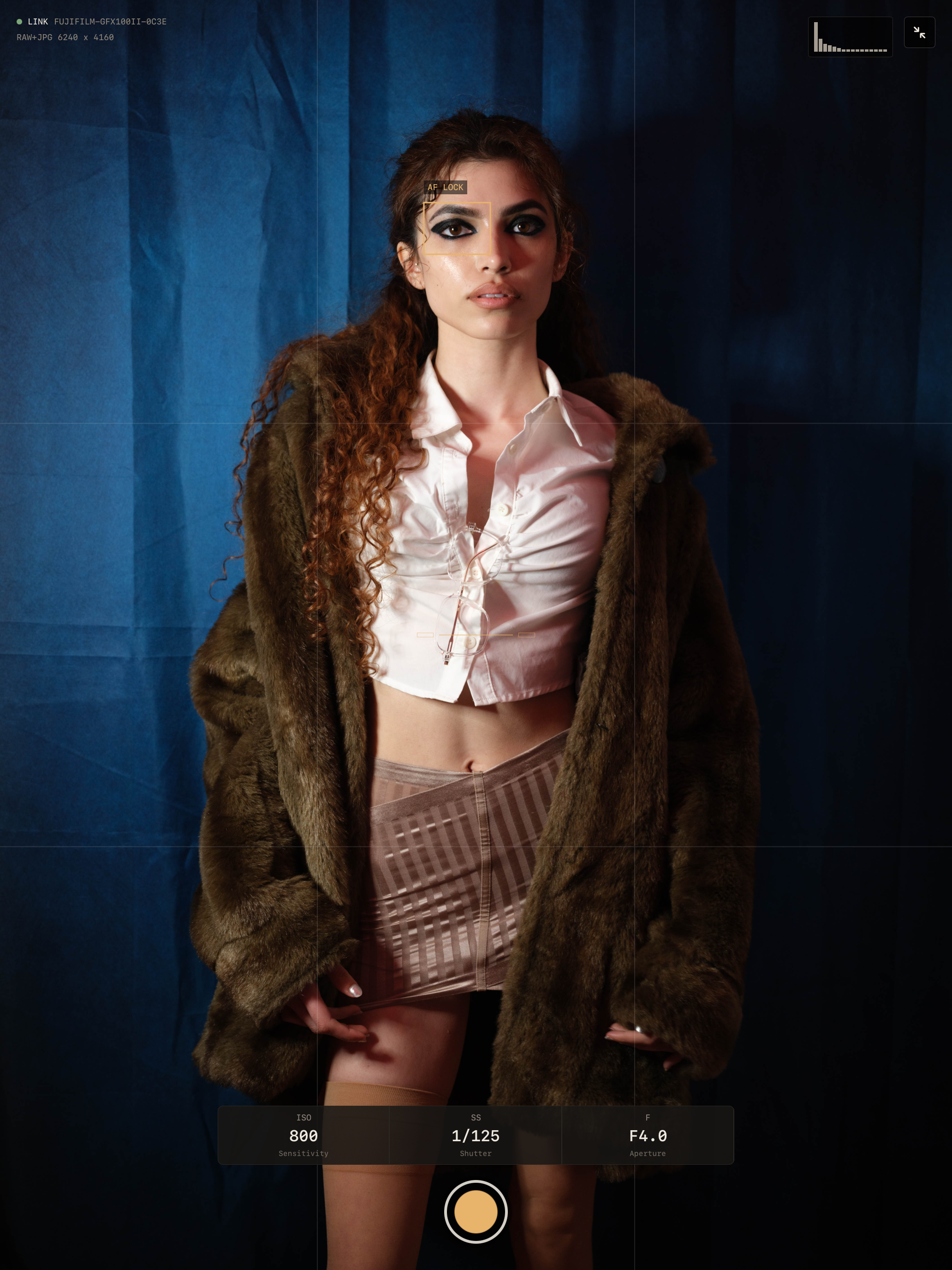
Camera manufacturer apps struggle with the high-volume, 60fps MJPEG streams in live view. Fujikage uses GPU native, zero-copy acceleration and multi-threading to efficiently handle and display the live view while keeping your input responsive.
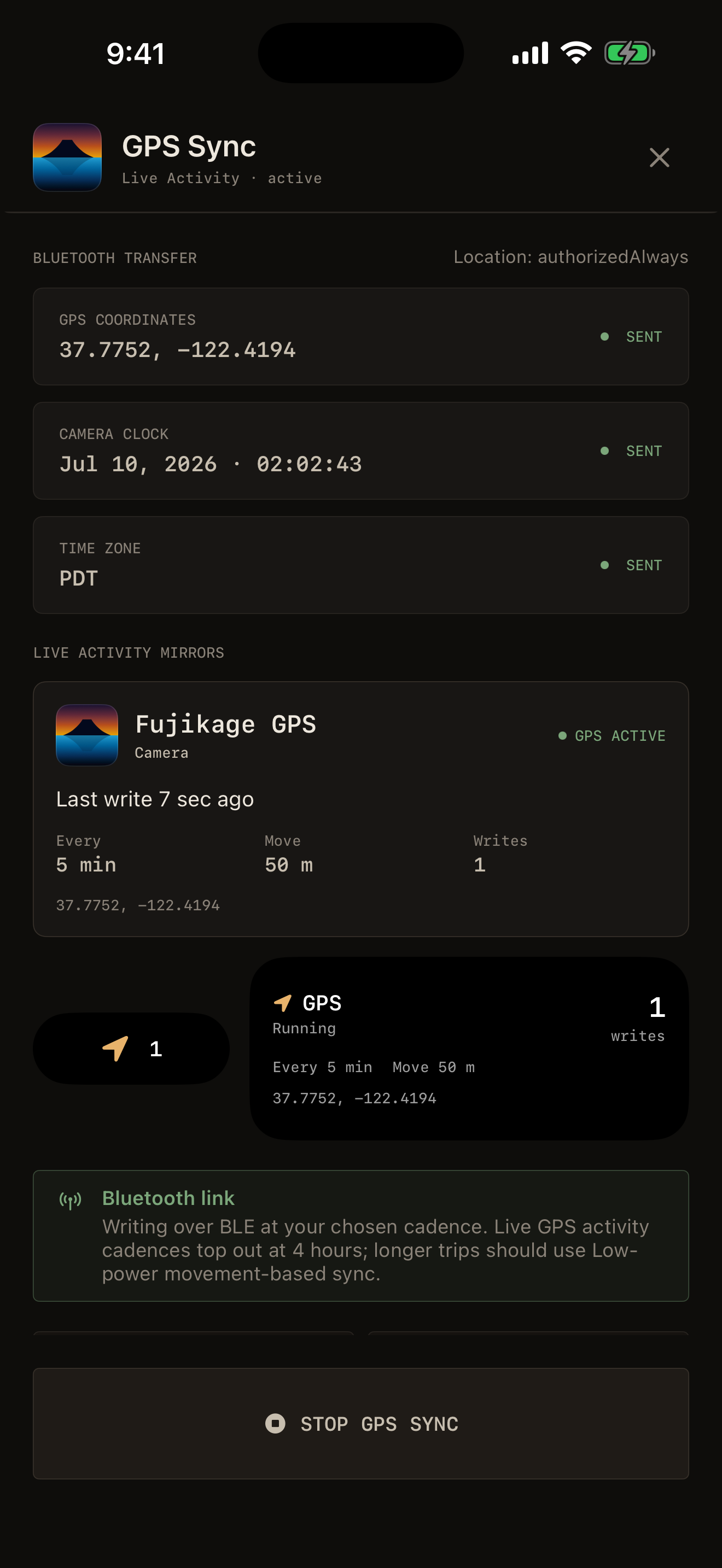
03 / GPS SYNC
I like to geotag my photos while hiking. Other apps were apps getting killed in the background and I was losing my coordinates along the way. Fujikage can alert you if your scheduled GPS update is behind schedule.
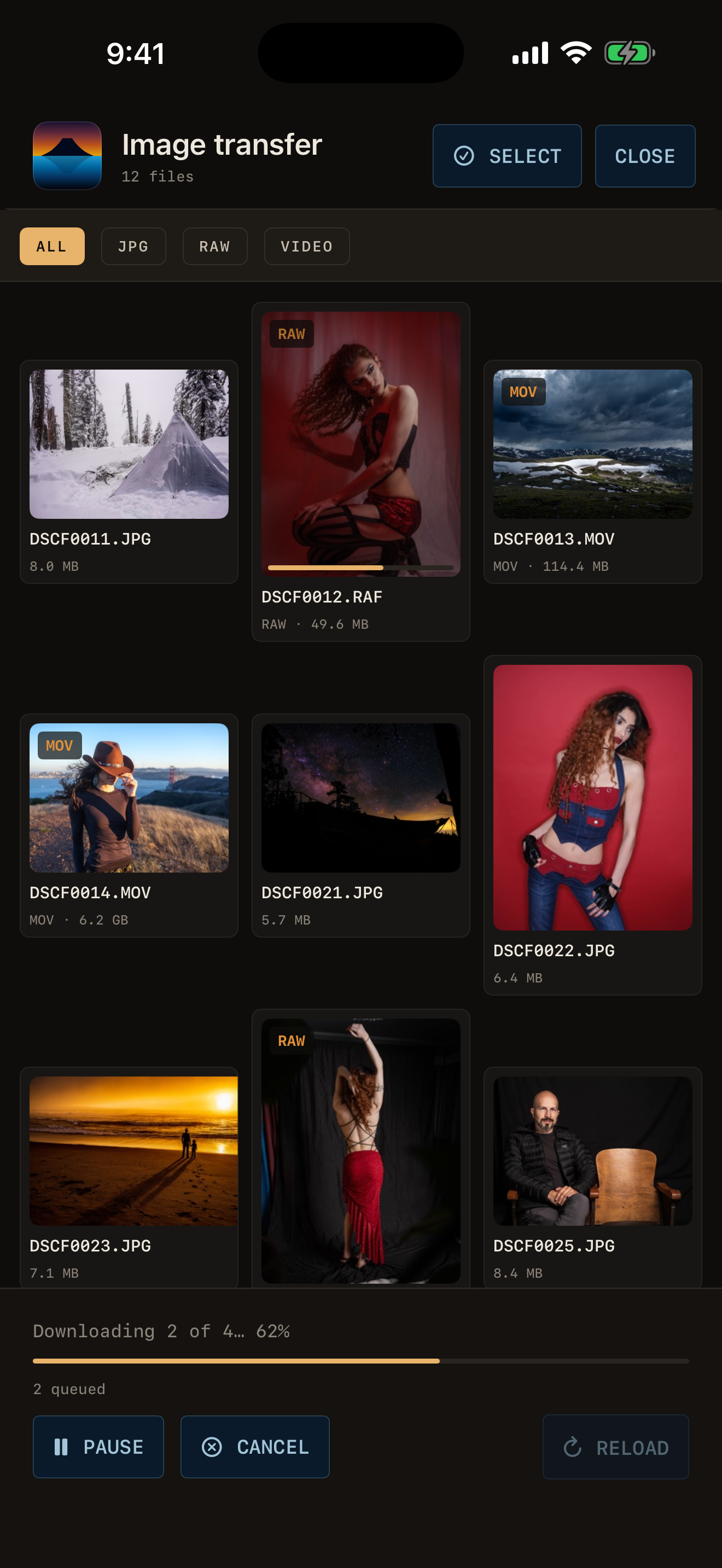
04 / TRANSFER
Files transfer reliably in background with resumable transfers (so that 8gb movie you just shot doesn't have to restart from the beginning) and clear notifications. Show someone their photos the moment you're done — no waiting, no babysitting a progress bar. Extract full-size JPEG for quick showing even if you only shoot RAW. RAW photos? More like "Rawr, photos!"
05 / TRANSPARENCY
The number one frustration I had with other apps was not knowing how far the unreliable connection was really making it. Fujikage shows you what it's doing. It shows you how long each step should take.
ROADMAP
Sign up for the beta and review these in-progress features.
View your camera's live feed on more than one device. Or see images captured on a television or monitor.
The camera engine is portable by design. MacOS and Android get all the same benefits.
Fujikage can read and parse your firmware settings to recommend changes.
Connect directly to the camera's USB port.
UNDER THE HOOD
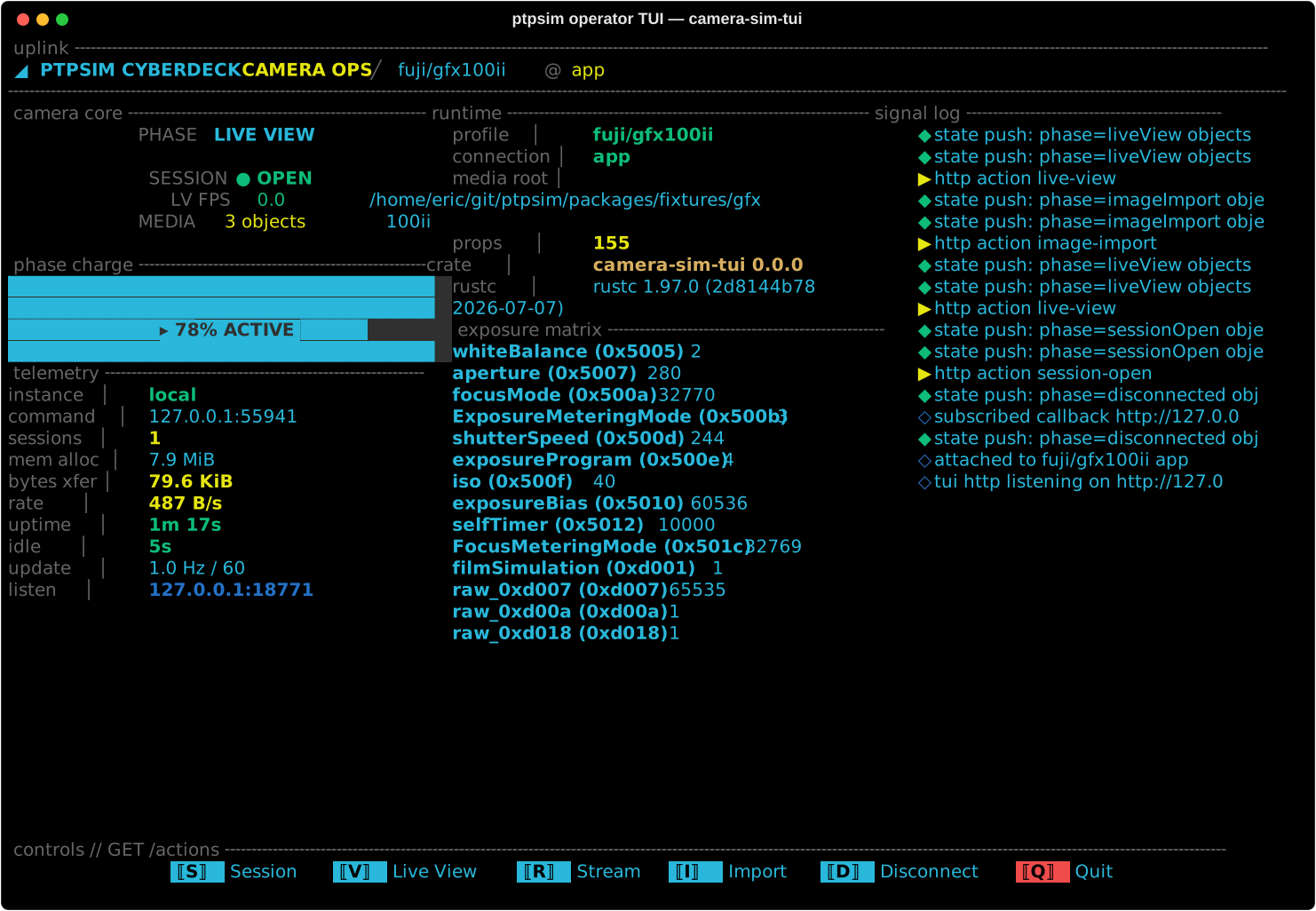
The app you interact with is just the skin of an effort to simulate how cameras actually work. More of that story here.
Application state is composable and deterministic — no hidden side effects, no "it works on my phone" surprises.
No manufacturer SDK or borrowed code. The camera protocol was mapped by documenting how cameras talk, then rebuilt independently. The app consumes the protocol engine like a third-party library.
ptpsim faithfully simulates the full camera feature set: live view, exposure controls, file transfer — with camera models described by the same data that drives Fujikage. This is open-sourced.
The app's entire camera brain is a Rust engine driven by per-model manifests, the same engine that powers the simulator. A bugfix or feature update to a shared primitive lands on every supported model at once and every platform at once, not camera by camera.
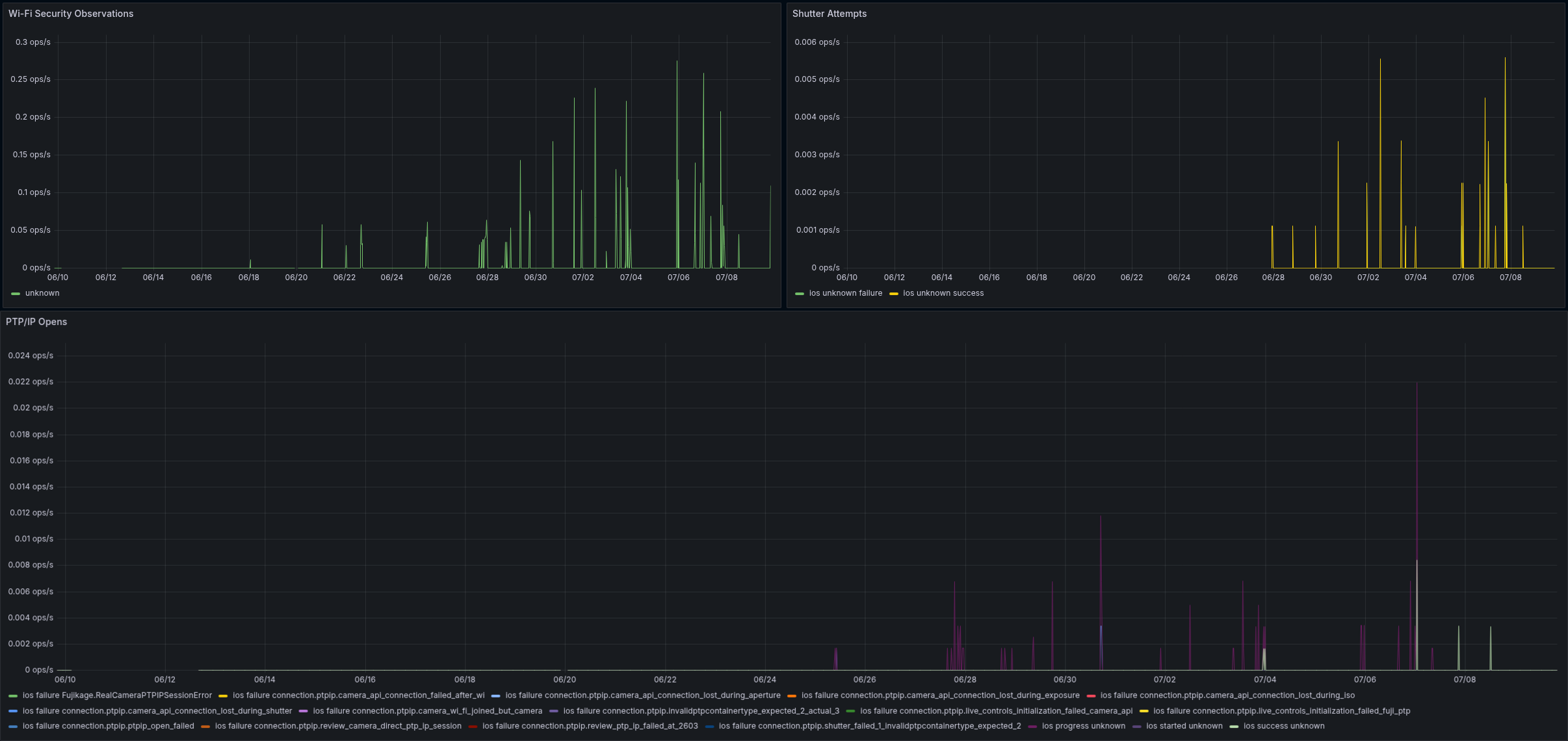
My background building distrubuted systems helped me build Fujikage like a service. The dashboard shown here is real data from real beta sessions. This means I have the data to fix issues faster than you can even report them.
PTPSIM OPERATOR TUI - GFX100ii
CAMERA CONNECTION HEALTH — LIVE GRAFANA, OPT-IN TELEMETRY FROM REAL SESSIONS
IPAD
iPad remote viewing is why I started making this app in the first place. My model needs to be able to see what I see.
BETA ACCESS
Fujikage is in active development. Sign up to be notified when a TestFlight slot opens.
We'll reach out when a TestFlight slot opens for your camera. Watch for email from Fujikage and Apple.